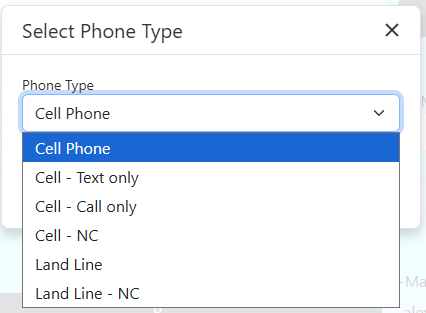
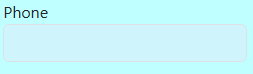
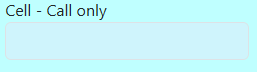
If the client would like a phone call reminder then leaving it at the default of “Phone” will send the reminder. You can also set the phone type to “Cell – Call only” or “Land Line” to send a phone call reminder.
If the client would like a text message reminder then you need to change the phone type to “Cell Phone” or “Cell Phone – Text only”
If you want to add a phone number that should not be used for the reminder scripts, you can set the phone type to “Cell – NC” or “Land Line – NC”.
If the client would like email reminders, then the email field must be filled in.
 Search for an existing profile