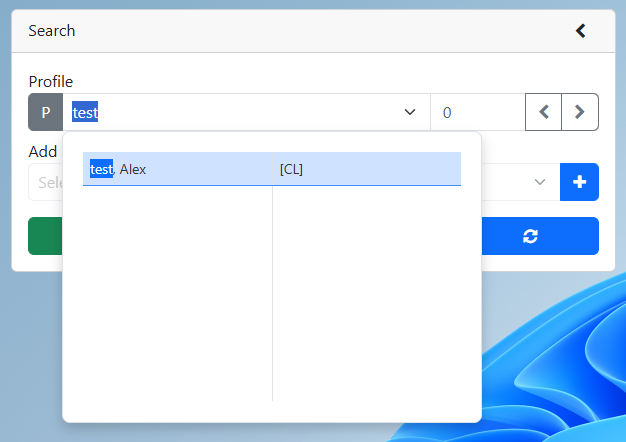
2. Search for an existing profile
4.In the sticky note pop-up, select the arrow in front of the note you would like to edit
5.Update the sticky note
6.Click the blue check mark
7.Click the save button
2.Search for an existing profile
4.In the sticky note pop-up, select the arrow in front of the note you would like to edit
5.Update the sticky note
6.Click the blue check mark
7.Click the save button

F7 for caret browsing Hold ALT and press letter
| This Info: | ALT+q |
| Nav Header: | ALT+n |
| Page Header: | ALT+h |
| Topic Header: | ALT+t |
| Topic Body: | ALT+b |
| Exit Menu/Up: | ESC |