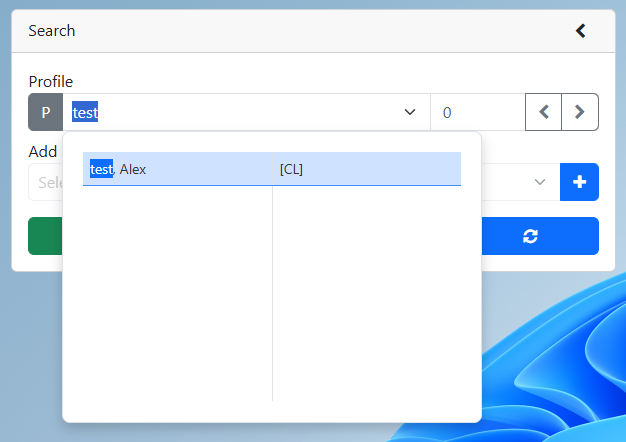
2. Search for an existing profile
3.In the client tab, click on the UDP button.
4.In the UDP popup, find the prompt you want to update. Note you may need to scroll to find the prompt.
5.Click the cell beside the prompt in the value column.
6.Enter the new value. Note the value cell might be a text field, drop down, or a date field depending on how it is set up in the UserCL drop down.
7.Click the save button
