2.Optional - Search for the profile you would like to make events for.
3.Select the module for the event you would like to create
4.Click the New Event Button
5.If you did not select a profile in step 2 you will now be prompted to
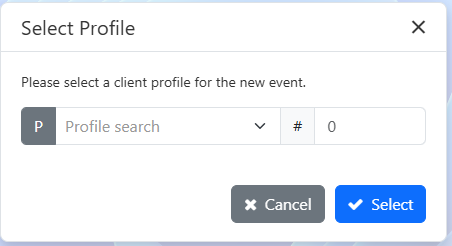
6.Event details are auto populated based on the profile
Event Editor
VS
Profile Editor
7.Fill in any required information (Ex. Event name)
8.Set the date and time of the event
9.Set the Event Hours
10.Set the server for the event
a. If you know who the server is:
a.If you do not know who the server is or you do not know if their H2V account is linked:
11. Set the H2 drop down to Yes
12. Click the save button
