3.Right click inside of the row to add a widget
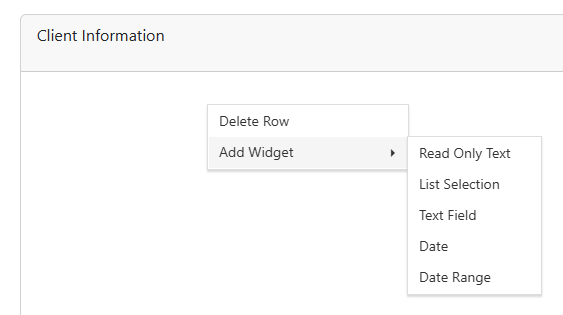
4.Pick a widget
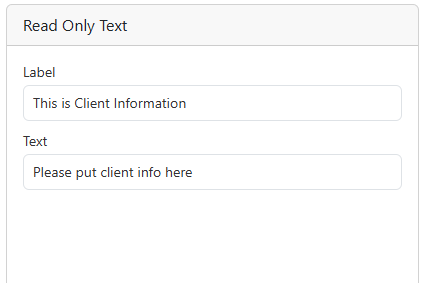
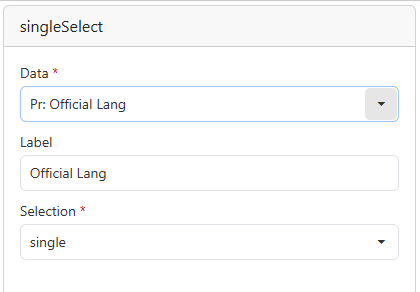


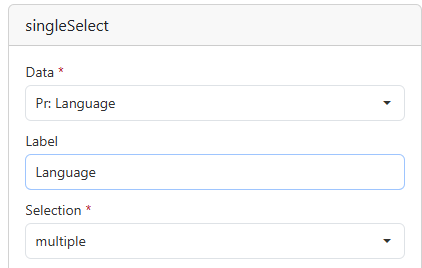


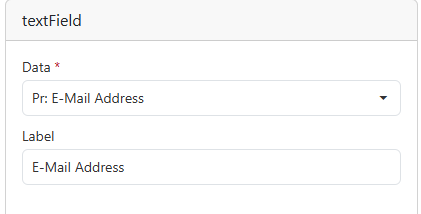

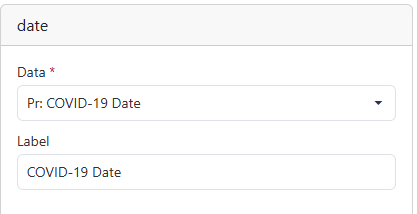


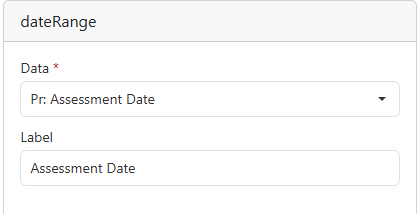


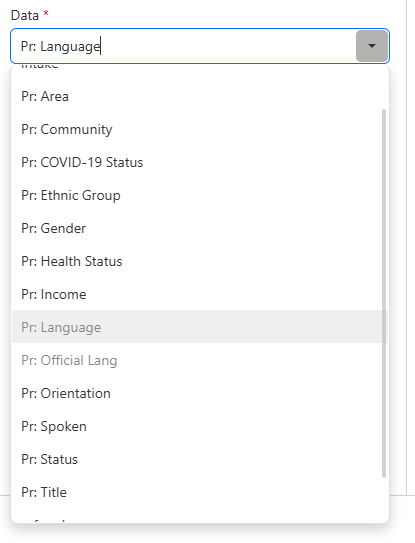
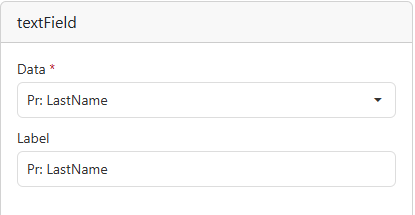
5.Once you have selected your widget, select the data drop down to change what the data is going to be. Different widget types have different data types to choose from.
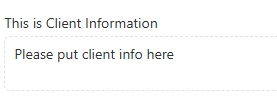
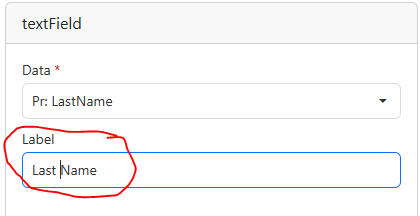
6.Change the label to what you want to see in the Template Entry.
Initial Name |
Custom Name |
|
 |
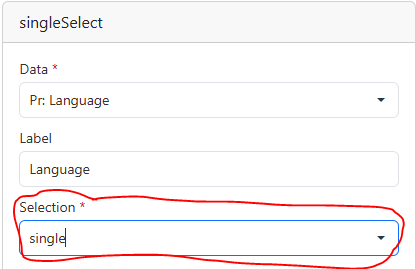
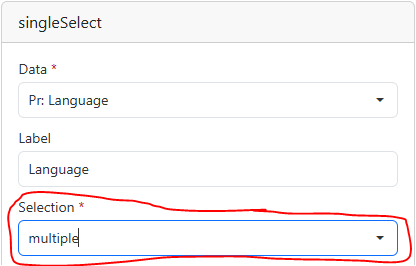
7.If the widget is a drop down, you can set the drop down to select single or multiple entries.
Single |
Multiple |
|
 |