
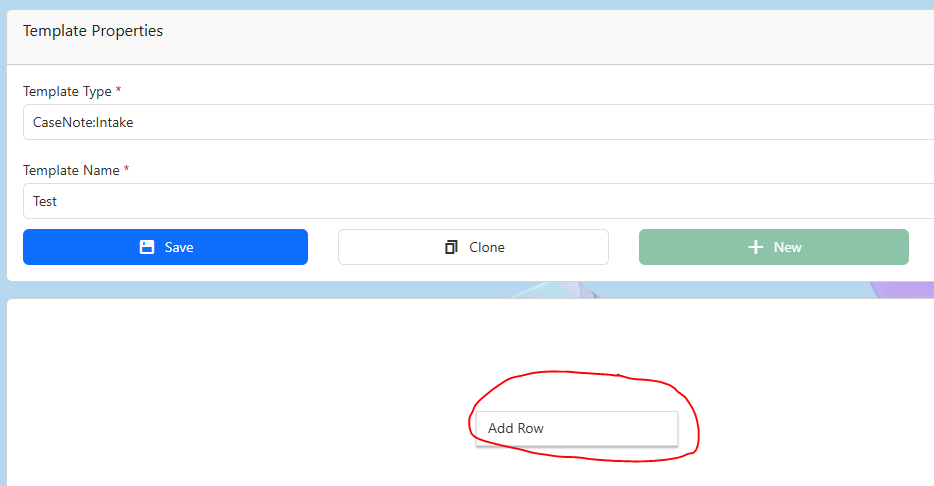
3.Right click the large white box below template properties
4.Click Add Row
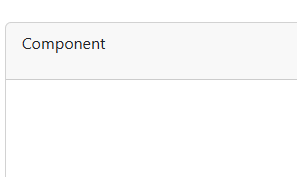
5.Click on Component to change the sections name.
 à
à 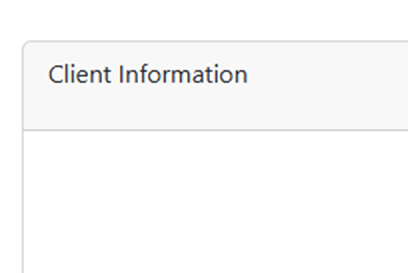
3.Right click the large white box below template properties
4.Click Add Row
5.Click on Component to change the sections name.
à

F7 for caret browsing Hold ALT and press letter
| This Info: | ALT+q |
| Nav Header: | ALT+n |
| Page Header: | ALT+h |
| Topic Header: | ALT+t |
| Topic Body: | ALT+b |
| Exit Menu/Up: | ESC |