1. Navigate to Profile Editor
a.Click Edit
b.Click Profile Editor
|
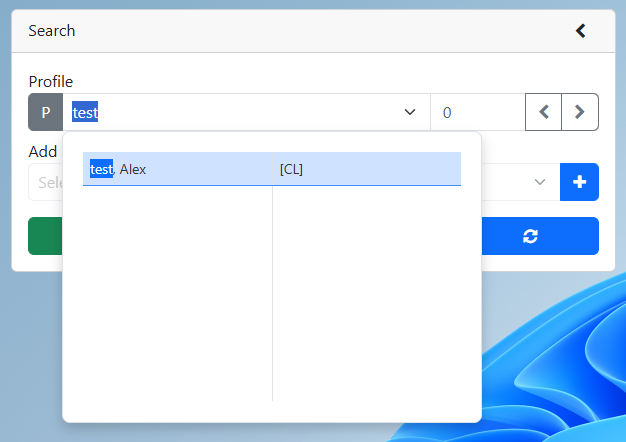
2.Search for an existing profile
a.Enter the profile number or the profile name into the profile search
i.Click the clients name from the drop down if you are entering the profile name
ii.If entering the profile number click the refresh button
b.Profile is displayed |
3.Click the Case Note button
4.Click the Add case note button
5.Optional – Select the date of the case note. By default, this is set to Today’s date.
6.Set the summary
7.Optional – Attach a file
8.Type your note into the Notes section
9.Click the add button