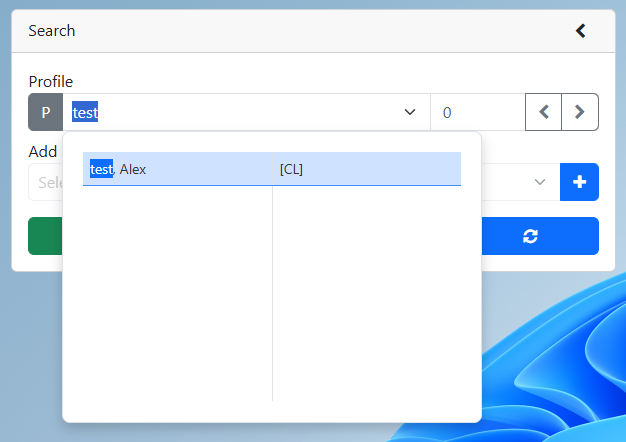
2. Search for an existing profile
3.Right click on the profile name
4.Click View sticky notes
5.In the sticky note pop-up, select the arrow in front of the note you would like to view
6.Click the x button to close the pop-up
2.Search for an existing profile
3.Right click on the profile name
4.Click View sticky notes
5.In the sticky note pop-up, select the arrow in front of the note you would like to view
6.Click the x button to close the pop-up

F7 for caret browsing Hold ALT and press letter
| This Info: | ALT+q |
| Nav Header: | ALT+n |
| Page Header: | ALT+h |
| Topic Header: | ALT+t |
| Topic Body: | ALT+b |
| Exit Menu/Up: | ESC |