
3.Click the blue arrow button on the case note

4.A preview of the filled in template will pop-up
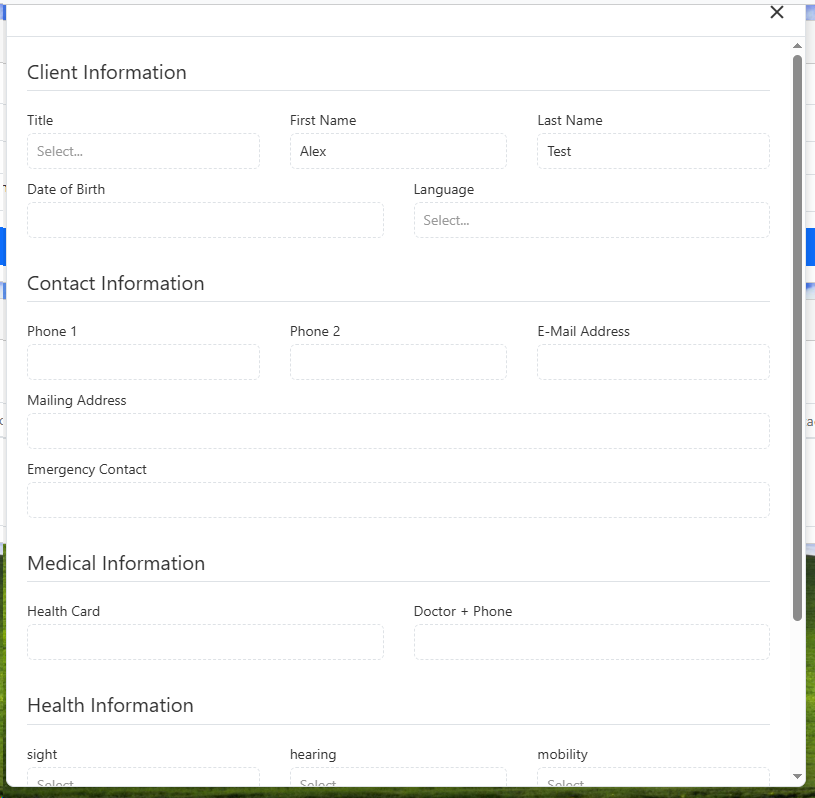
5.When you are finished viewing the template click the x button in the corner
3.Click the blue arrow button on the case note
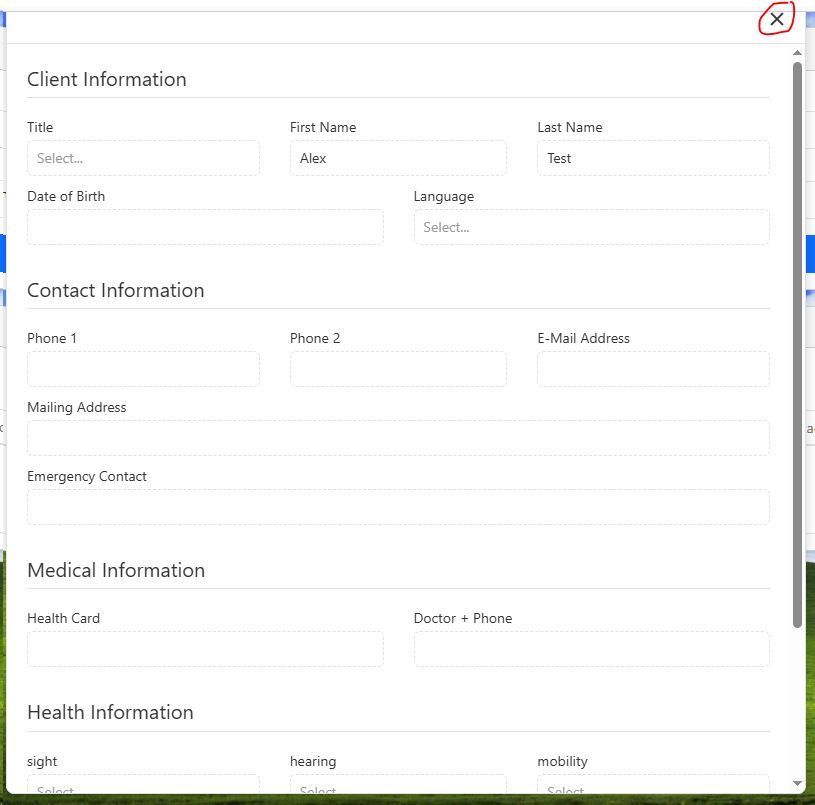
4.A preview of the filled in template will pop-up
5.When you are finished viewing the template click the x button in the corner

F7 for caret browsing Hold ALT and press letter
| This Info: | ALT+q |
| Nav Header: | ALT+n |
| Page Header: | ALT+h |
| Topic Header: | ALT+t |
| Topic Body: | ALT+b |
| Exit Menu/Up: | ESC |