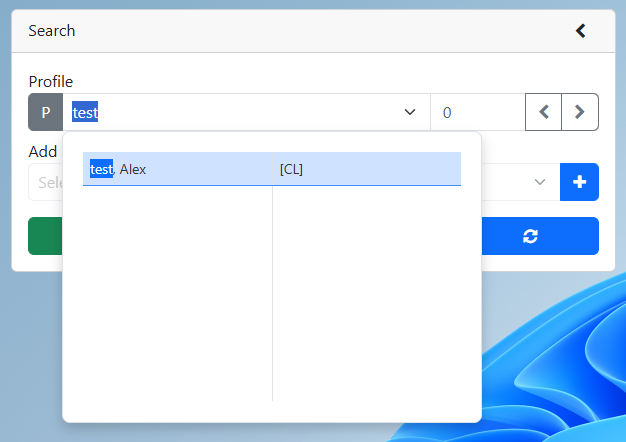
2. Search for an existing profile
3.Click the Case Note button
4.Search for case notes
a.Set the start and end date
b.Click the Search button
2.Search for an existing profile
3.Click the Case Note button
4.Search for case notes
a.Set the start and end date
b.Click the Search button

F7 for caret browsing Hold ALT and press letter
| This Info: | ALT+q |
| Nav Header: | ALT+n |
| Page Header: | ALT+h |
| Topic Header: | ALT+t |
| Topic Body: | ALT+b |
| Exit Menu/Up: | ESC |