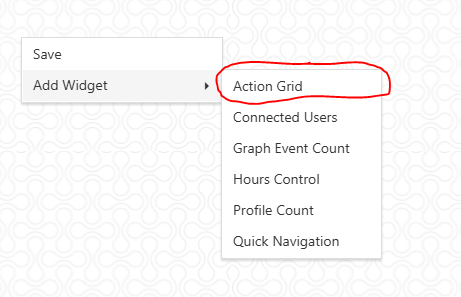
2. Add the Action Grid widget if not already added
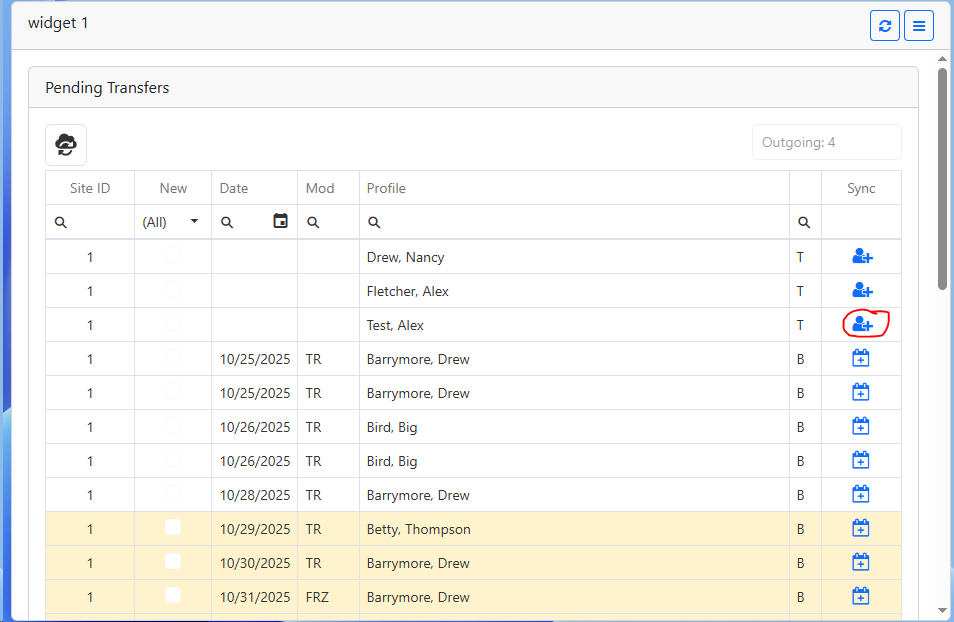
3.Click the button beside the persons name
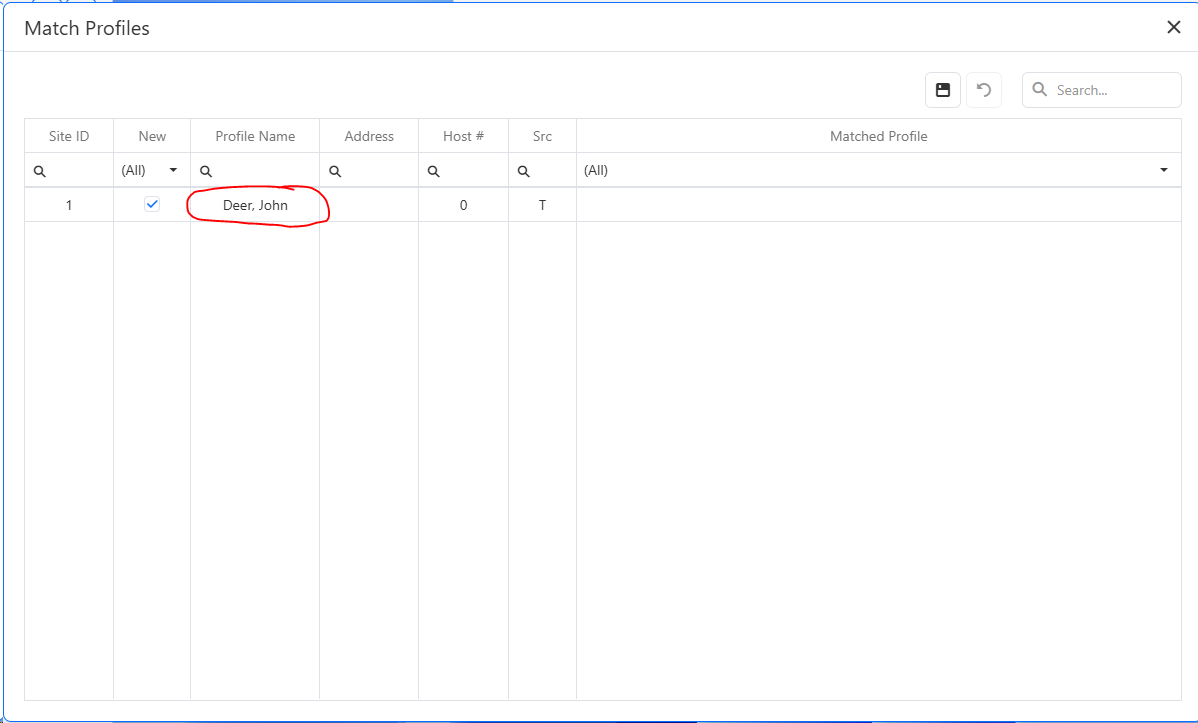
4.On the match screen
a.If the Profile name is white then the profile has not been matched to an existing profile
b.If the Profile name is yellow then the profile has been matched to an existing profile
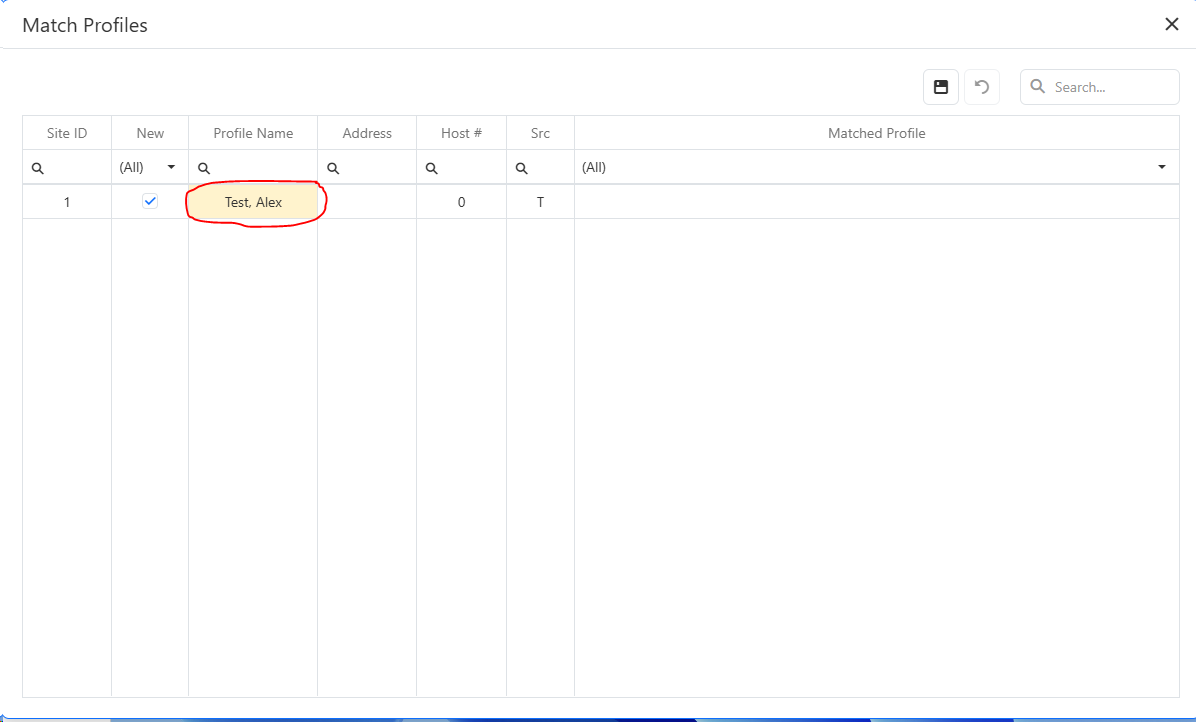
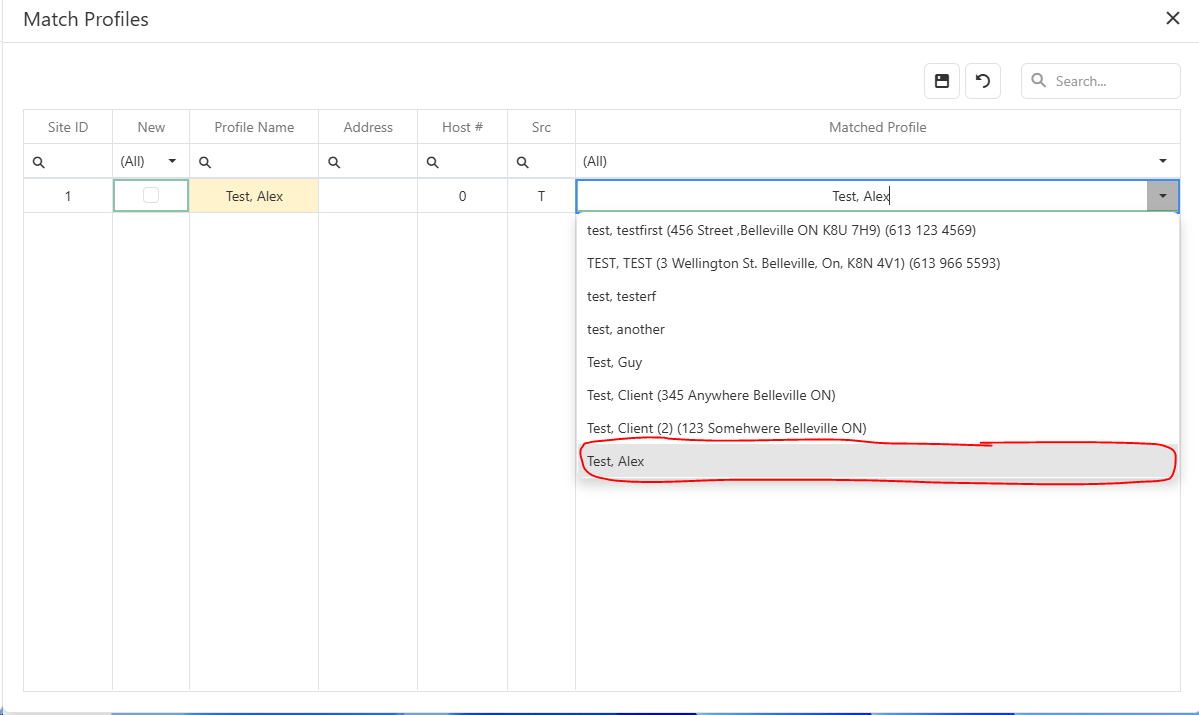
i.Double click on the Matched Profile field
1.If the profile matches an existing profile (name and address), select the profile from the list
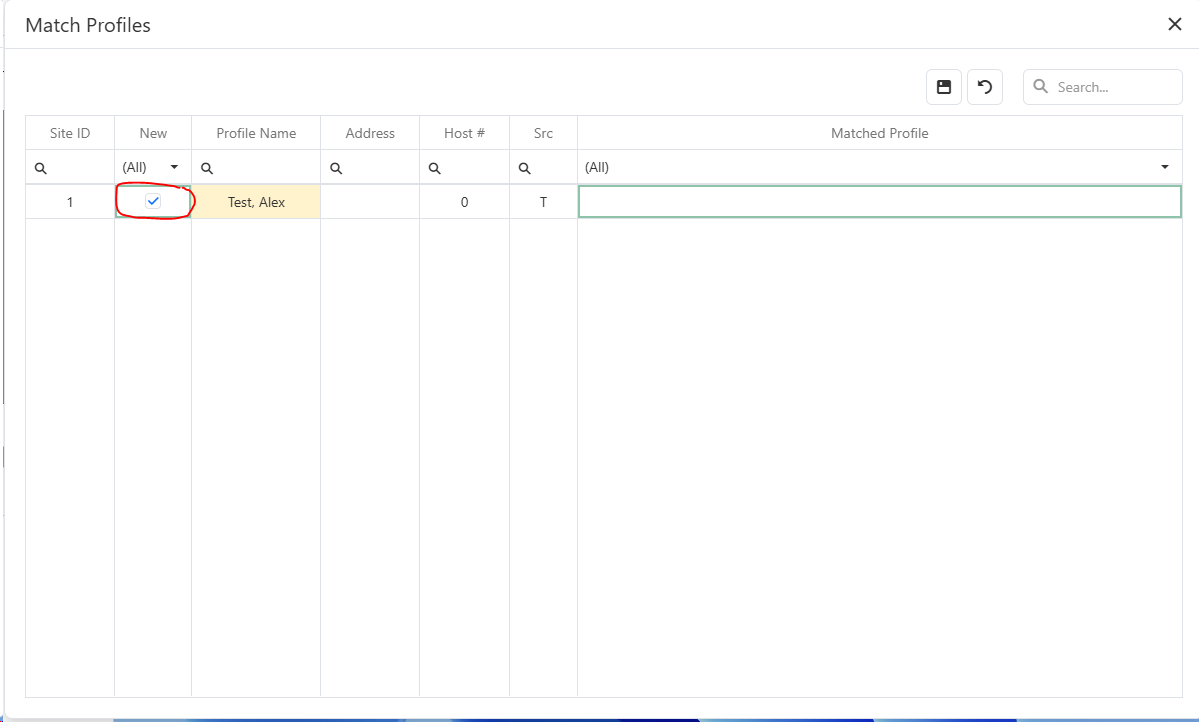
2.If the profile does not match an existing profile (name and address), make sure the New check box is selected.
5.Click the save button
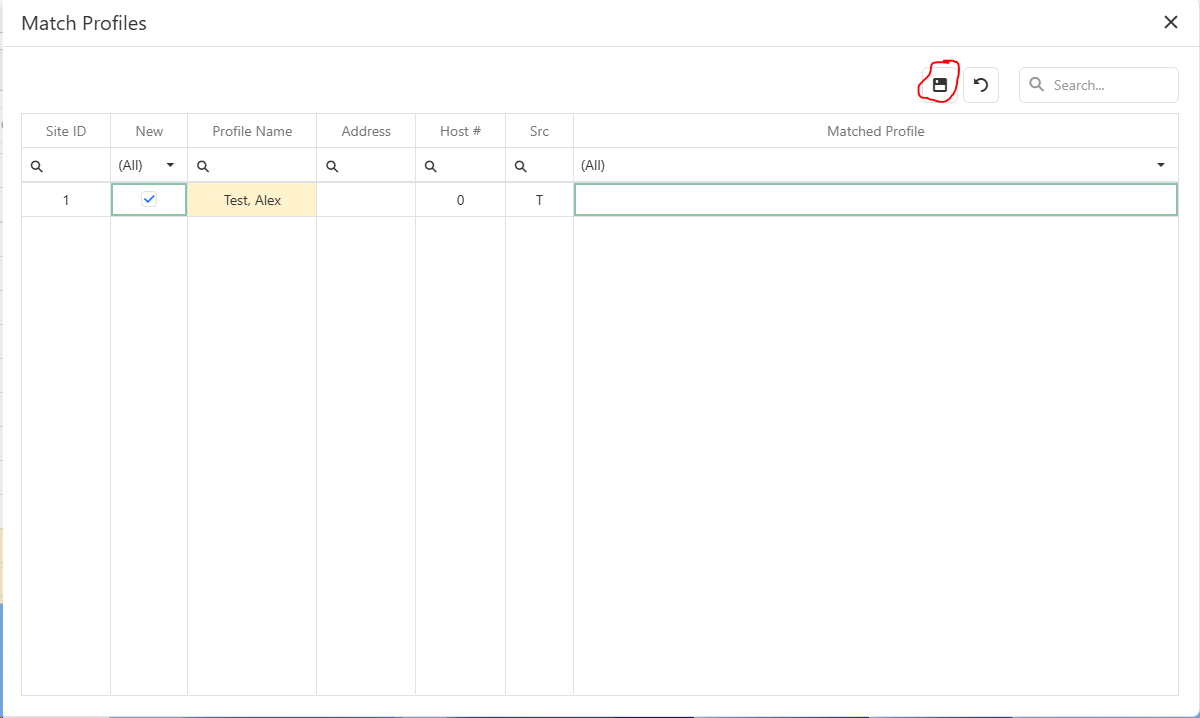
6.The new profile and case note are created.