a.Click Admin b.Click Editors
c.Click HTML Editor
|
a.Select a Template Type b.Select a Template c.
|
3.Click on the cell of a table
4.Click the insert row above button or the insert row below button
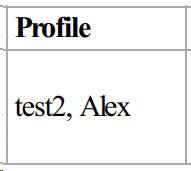
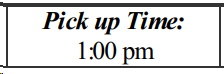
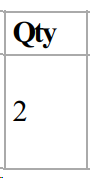
5. Optional - add variables or text to new row
Copy and paste the variable, including the {{}}, into the template. If the variable doesn't display the correct information, try pasting the variable without formatting.
|
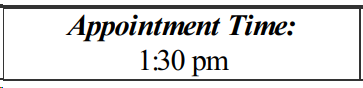
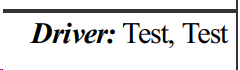
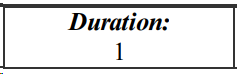
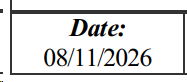
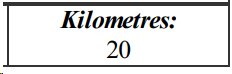
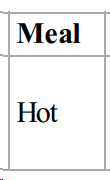
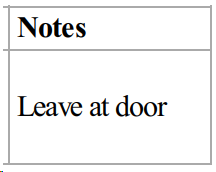
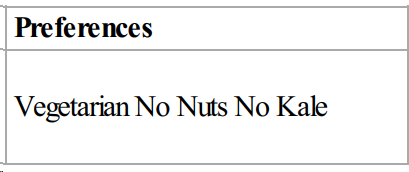
6.Optional - Repeat steps 3-5
7.Click the save button
8.In the pop-up, click the Yes button
