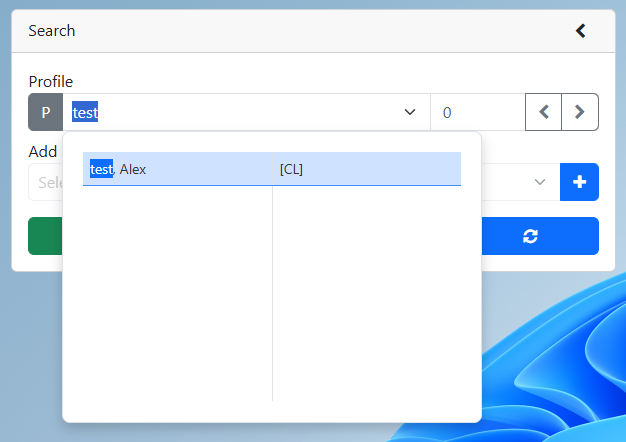
2. Search for an existing profile
3.Select an option from the consent drop down
a.Express Consent
b.Implied Consent
c.Consent Removed
d.Lockbox – The Lockbox prevents anyone else from editing or viewing the client’s information. Only the person who set the consent drop down to lockbox can view the client information.
i.Note: The Lockbox can ONLY be removed by the person who originally set the Lockbox status.
4.Click the Save button
