
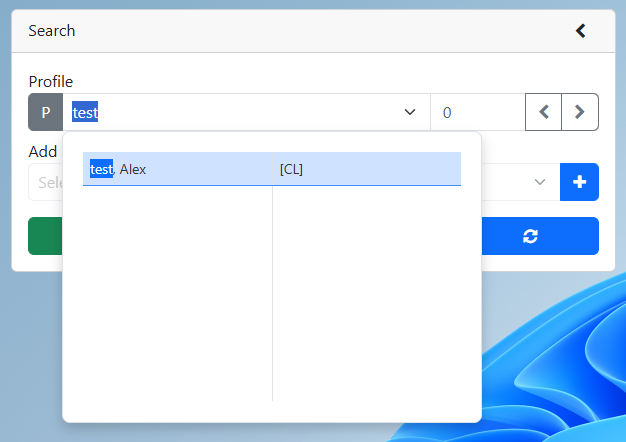
3.Select the PW or PE module
4.Verify that the email address field is filled in
5.Set the Here2 field to H2V
6.Set the H2 invite field to Send
7.Refresh the profile. The H2 Status will be either Queued or Active.
a.Queued - the invitation email is being sent to the server.
b.Active - the H2V account is attached to the server's profile
