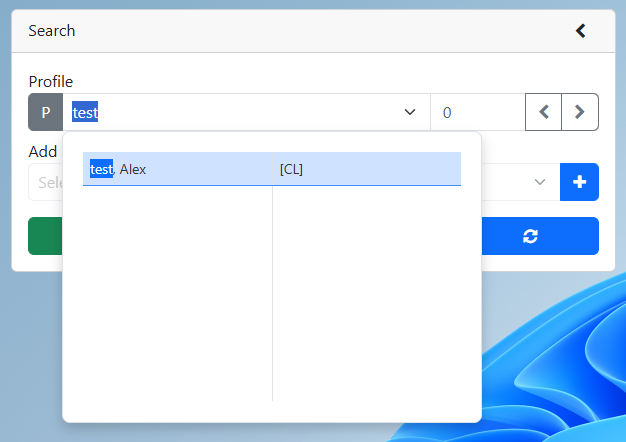
2. Search for an existing profile
3.Click on the Event Editor button
4.Create a new event
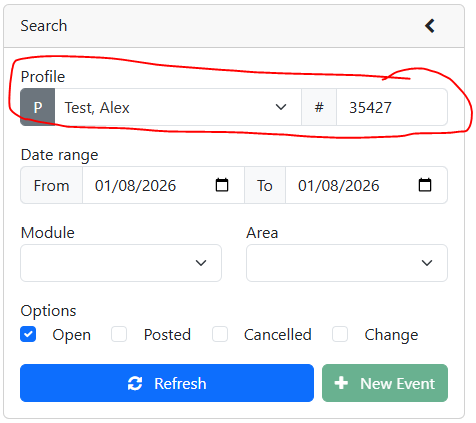
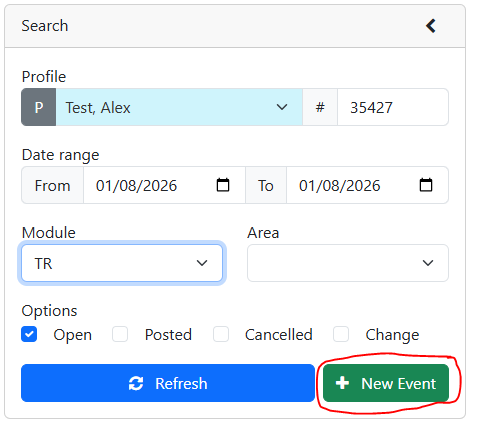
a.Optional - Search for the profile you would like to make events for.
b.Select the module for the event you would like to create.
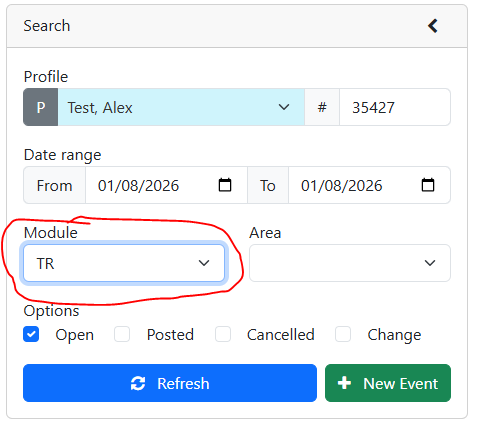
c.Click the New Event Button
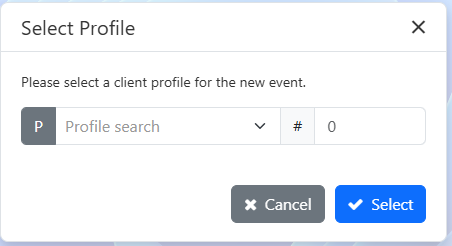
d.If you did not select a profile in step a., you will be prompted to select a profile
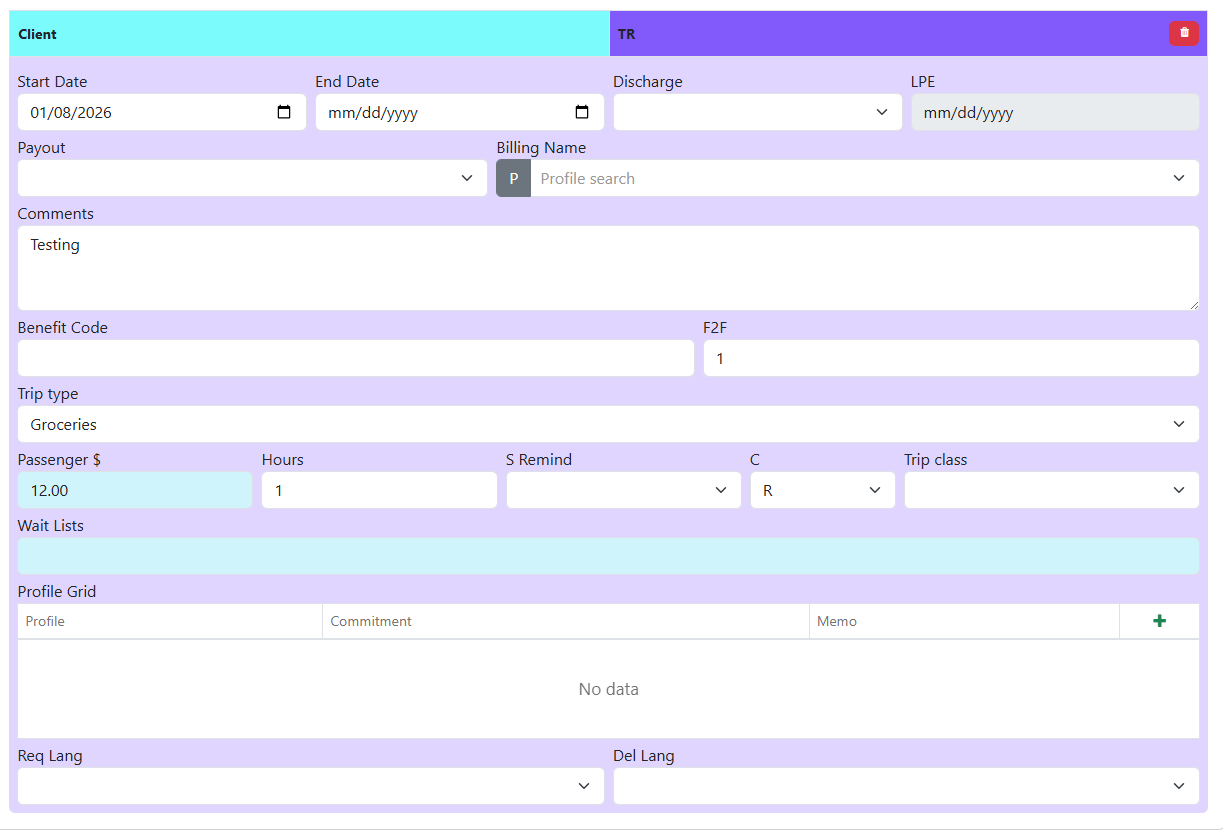
e.Event details are auto populated based on the profile.
Event Editor
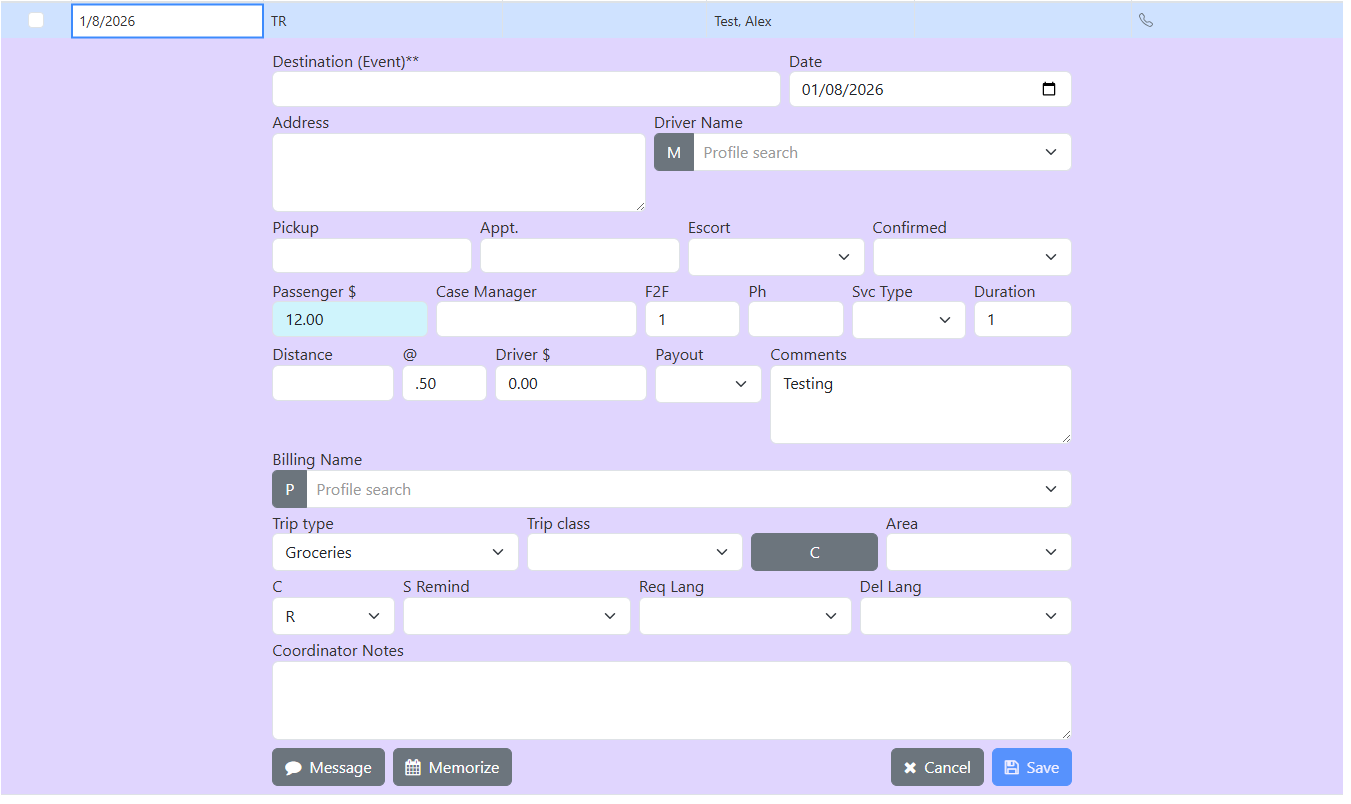
VS
Profile Editor
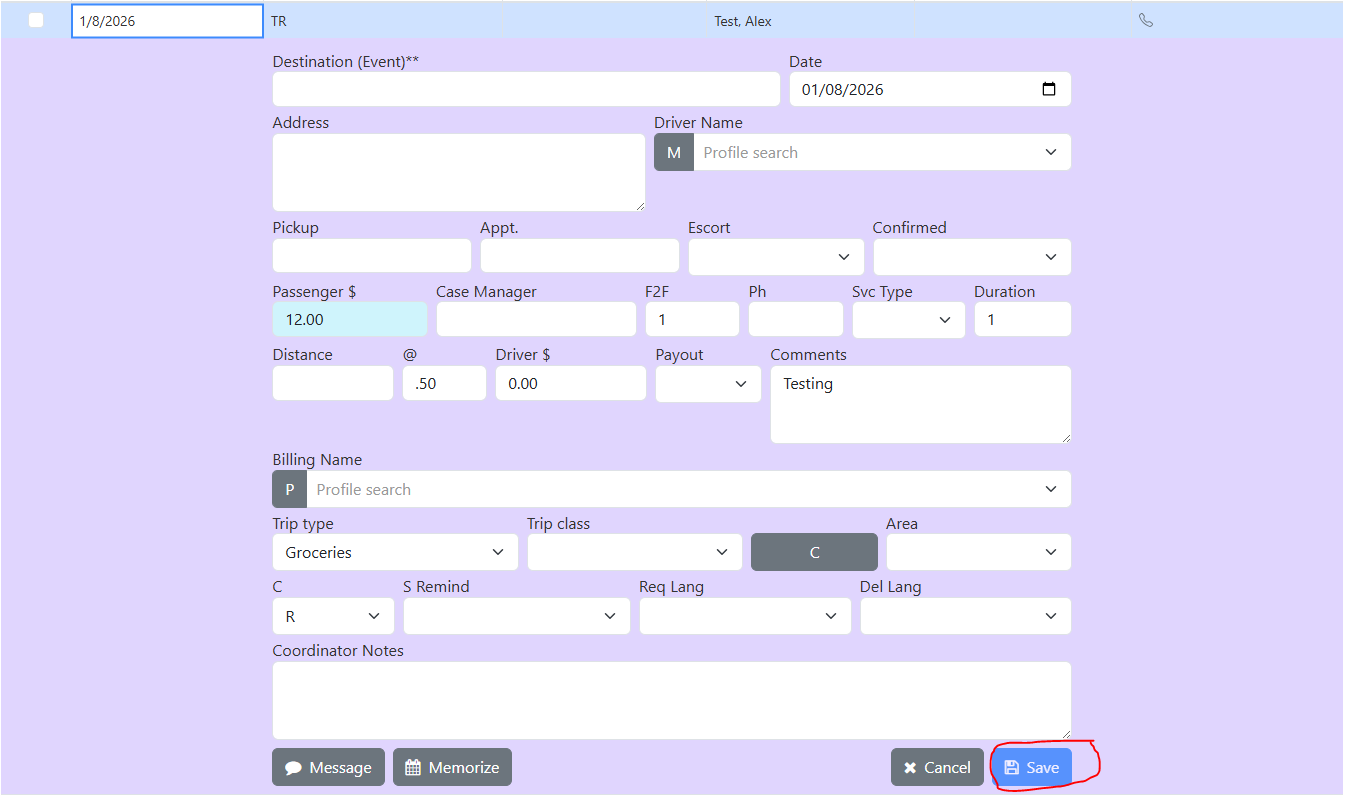
f.Fill in any remaining details (ex. Destination and Date)
g.Click the save button.