a.Click Admin b.Click Editors
c.Click HTML Editor
|
2.Select a Template Type
3.Click the new button
4.Set the template name
5.Set the page size
6.If the page size is custom, set the Height and Width to a number greater than 0
7.If the page size is not custom, set the page orientation
8.Set the page margin
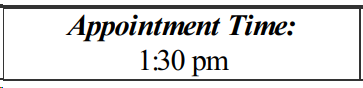
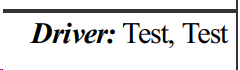
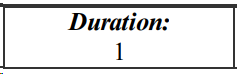
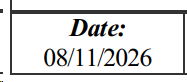
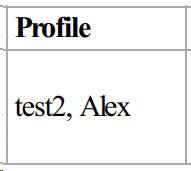
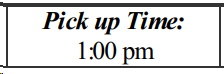
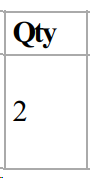
9.Fill in the template
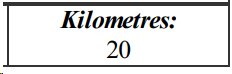
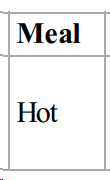
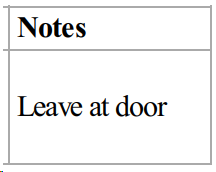
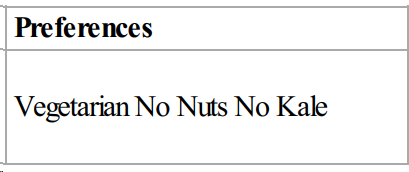
Copy and paste the variable, including the {{}}, into the template. If the variable doesn't display the correct information, try pasting the variable without formatting.
|
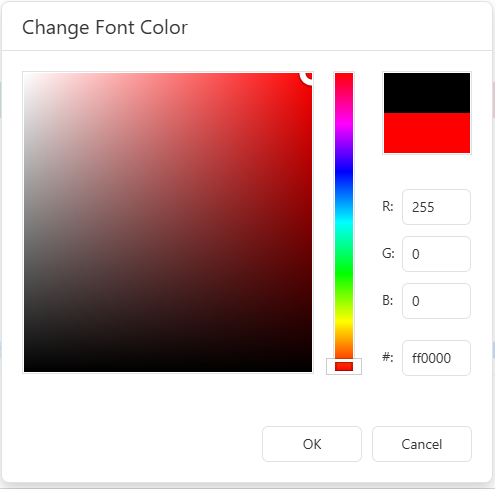
11.  Optional - change the font color of the template
a.Select the text you would like to change b.Click the change font colour button c.Select a new colour
d.Click the OK button |
12. Optional - change the font of the template
a.Select the text you would like to change b.Select a new option from the font drop down |
13. Optional - change the font size of the template
a.Select the text you would like to change b.Select a new option from the font size drop down |
14. Click the save button
15. In the pop-up, click the Yes button
